



Description
Download HD Video Screen Mirroring APK – Screen Mirroring, Wireless Display, Smart TV Streaming
Overview
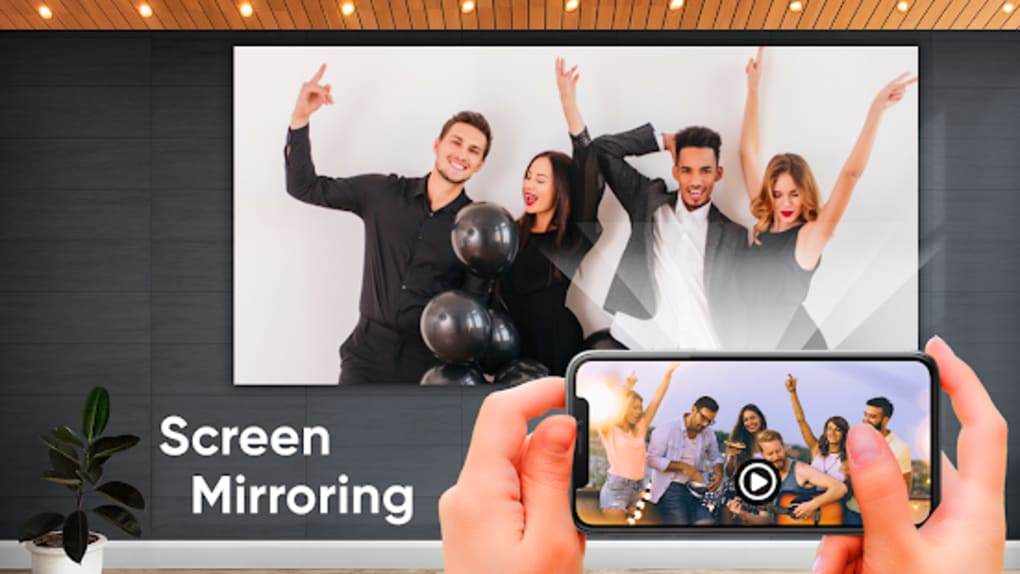
HD Video Screen Mirroring APK is a free multimedia utility designed to project smartphone and tablet screens onto larger displays such as smart TVs. Its primary purpose is to enhance the viewing experience by enabling real-time transmission of visual and audio content in high definition. This tool is particularly useful for users seeking to share photos, stream videos, or play mobile games on a bigger screen. It serves as a practical alternative to other screen mirroring solutions like ImsaTools’ Screen Mirroring and Magictouchapps’ Smart View TV Screen Stream Mirroring. The application operates under the condition that both the source device and the receiving display are connected to the same wireless network. This setup ensures seamless connectivity for casting content without the need for physical cables. The software is ideal for casual users and households that frequently host gatherings, where shared entertainment is a priority. While the app promises a smooth mirroring experience, the current implementation presents usability challenges. The developer did not provide additional system requirements, nor did they specify performance details. Platform compatibility information is limited to the APK format, suggesting Android-based devices. The developer did not provide any information about the app’s security or privacy policies, nor did they disclose details about offline usage capabilities.
Key Features & Capabilities
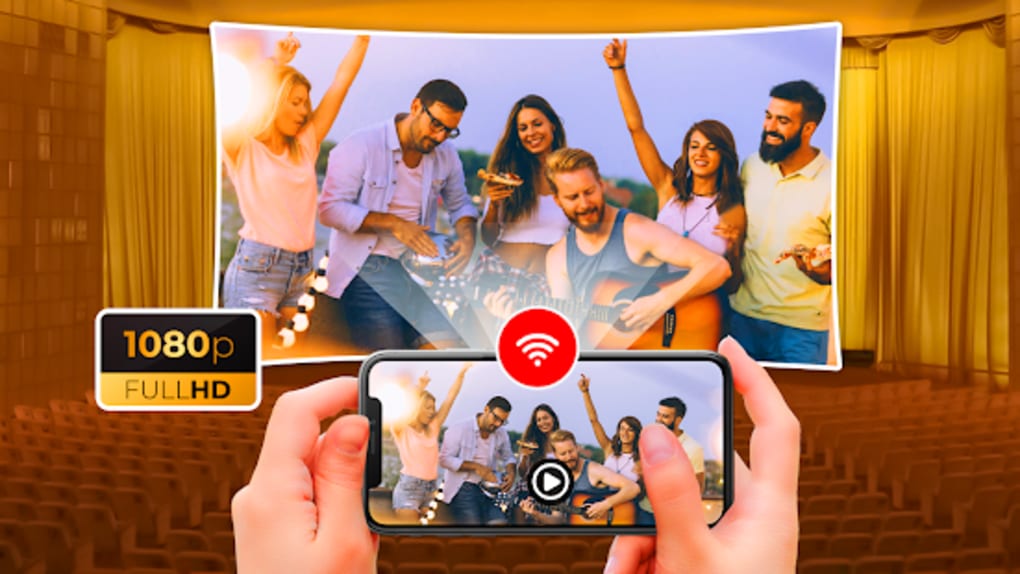
- HD Real-Time Screen Mirroring – Transmits video and audio from mobile devices to larger screens in high definition with minimal delay, ideal for streaming movies and playing games.
- Wireless Display Support – Utilizes Miracast technology to establish a wireless connection between Android devices and compatible smart TVs or displays.
- Multi-Content Sharing – Enables users to showcase photos, videos, and mobile applications on a bigger screen, enhancing group viewing experiences.
- Simple Pairing Process – Allows users to search and connect devices with minimal steps, provided both are on the same network.
- Free to Use – No cost is associated with downloading or using the application, making it accessible to a broad audience.
These features are beneficial for users who want to enjoy mobile content on larger screens without relying on third-party streaming services. For example, during family movie nights or gaming sessions, the app allows for shared entertainment. However, the actual performance of these features may vary based on network stability and device compatibility. The developer did not provide any information about update frequency or release cycle, nor did they specify how frequently new features are introduced. Users should be aware that the app’s functionality is limited to Android devices due to its APK format. The developer did not provide details about the app’s license type or offline usage capabilities.
User Interface, Workflow & Performance
The user interface of HD Video Screen Mirroring APK is described as ad-filled, which may interfere with navigation and cause confusion when identifying key functions. The layout appears cluttered, particularly during initial launch, where users may struggle to locate the correct buttons. Despite the simplicity of the core workflow—enabling wireless display on the mobile device and Miracast on the TV—the process can be hindered by delays. The app’s launch time is notably slow, leading users to question whether the application is functioning properly. This delay affects the overall user experience, especially in time-sensitive scenarios like starting a movie or game session. Performance observations are based on general software behavior patterns, as exact performance details were not specified. The developer did not provide information about CPU or RAM usage, nor did they disclose any stability metrics. While the app claims real-time mirroring, actual responsiveness may depend on network conditions and device capabilities. The developer did not provide any details about the app’s security or privacy policies, raising concerns about data handling during transmission. The developer did not specify the frequency of updates or the release cycle, leaving users uncertain about long-term support.
Compatibility & System Requirements
HD Video Screen Mirroring APK is designed for Android devices and requires a compatible smart TV or display that supports Miracast. The app is distributed as an APK file, indicating it is intended for installation on Android platforms. The installation size is not specified, and the developer did not list exact system requirements. Compatibility information is limited to the APK format and the need for a shared wireless network. The developer did not provide any information about hardware requirements, such as minimum processor speed or RAM. The developer did not specify the exact Android version required for optimal performance. Platform compatibility information is partially provided, with no mention of iOS or other operating systems. Users should ensure their devices support wireless display protocols to use the app effectively. The developer did not provide any details about offline usage capabilities or the app’s ability to function without an internet connection.
Pros and Cons
Pros
- Free to download and use without subscription fees.
- Supports high-definition real-time screen mirroring.
- Uses Miracast technology for wireless display connectivity.
- Enables shared entertainment experiences for families and groups.
- Simple pairing process when both devices are on the same network.
Cons
- Ad-filled interface may hinder navigation and user experience.
- Slow app launch time may lead to user frustration.
- Developer did not provide performance details or resource usage data.
- Unclear update frequency and release cycle.
- No information on security, privacy, or offline functionality.
FAQ Section
Is HD Video Screen Mirroring compatible with all smart TVs?
The app works with smart TVs that support Miracast, but compatibility depends on the device’s built-in wireless display capabilities. The developer did not provide a full list of supported models.
Do I need an internet connection to use this app?
Both devices must be connected to the same wireless network for mirroring to function. However, the app does not require an active internet connection once the devices are paired.
Is HD Video Screen Mirroring safe to download?
The app is distributed as an APK file, which can pose security risks if not obtained from a trusted source. The developer did not provide any information about the app’s security or privacy policies.
How often is the app updated?
The developer did not provide any details about the update frequency or release cycle. Users should monitor the source for the latest version.
Can I use this app without an internet connection?
While the app does not require an internet connection for mirroring after pairing, both devices must remain on the same local network. The developer did not provide information about offline usage capabilities.
Final Thoughts + CTA
HD Video Screen Mirroring APK offers a promising concept with the ability to stream high-quality content from mobile devices to larger displays. Its free access and support for Miracast make it a viable option for users seeking a no-cost solution. However, the app’s current state is hindered by a cluttered interface, slow performance, and lack of transparency regarding updates, security, and system requirements. While it can function as a basic screen mirroring tool, the user experience falls short of expectations. For users prioritizing reliability and ease of use, better alternatives are available. That said, the app holds potential if future updates address its core issues. If you're looking for a simple, free way to mirror your screen, HD Video Screen Mirroring APK may still be worth trying—despite its flaws. Download HD Video Screen Mirroring APK now and experience the convenience of wireless casting.
Guides & Tutorials for HD Video Screen Mirroring APK
How to install HD Video Screen Mirroring APK
- Click the Preview / Download button above.
- Once redirected, accept the terms and click Install.
- Wait for the HD Video Screen Mirroring APK download to finish on your device.
How to use HD Video Screen Mirroring APK
This software is primarily used for its core features described above. Open the app after installation to explore its capabilities.
User Reviews for HD Video Screen Mirroring APK 0
No reviews found





